The Automation Layer Your Accounting Software Is Missing

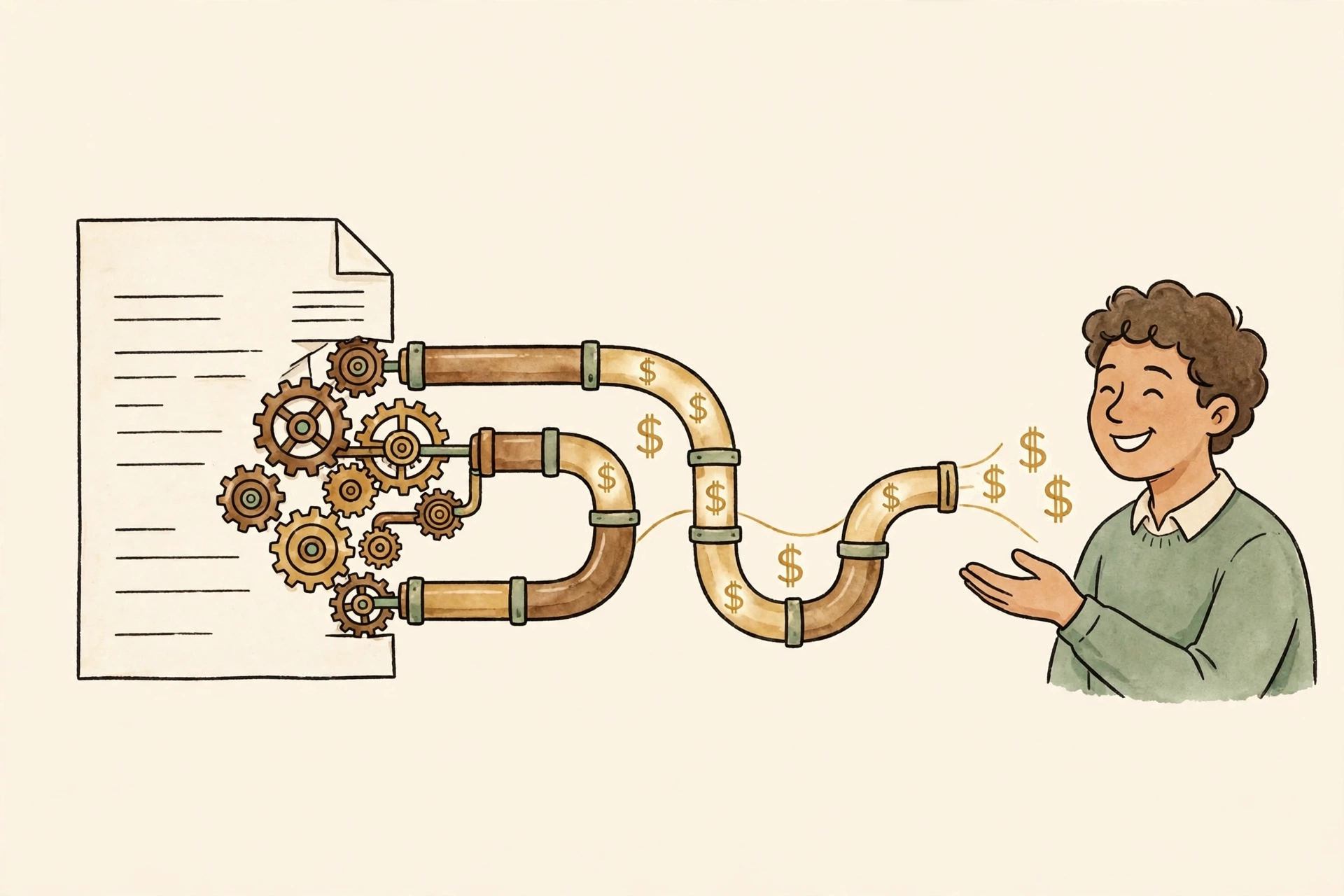
Owners usually go shopping for new accounting software at the exact moment the books feel unbearable, and the unbearable part is the typing, not the software. Owners who keep their own books spend around 6.8 hours a week on them, most of it outside business hours, per SMB delegation data. A switch moves that typing to a different logo. What actually gives the hours back is the automation layer sitting on top of whichever package you already run, and most owners never finish setting it up.
Bank feeds, and the rules quietly rotting inside them
Every modern package pulls your bank and card transactions in automatically. The part that saves or costs you is the categorization rules layered on top. Set a rule once ("Shell goes to fuel") and it works until the day it doesn't: a new vendor, a split purchase, a personal card used for a business run. Unsupervised rules misclassify the same transactions month after month, quietly, and the error compounds into the reports you hand your CPA. Ten minutes auditing the rules beats ten hours untangling a year of wrong categories.
The habit that works: reconcile weekly instead of monthly, and scan the rule-created entries before you scan anything else. The feed is trustworthy. The rules are a junior employee who never gets reviewed.
Receipts that enter themselves
Receipt capture reads the line items off a phone photo and syncs them to the ledger, matched to the transaction the feed already pulled in. AutoEntry holds 4.7 out of 5 across 465 reviews on Xero's app store, with full line-item extraction and two-way Xero sync, and QuickBooks has equivalents built in and bolted on. The shoebox of receipts in the truck stops being a data-entry backlog and becomes an audit trail that already exists.
Payments that match themselves
The biggest single win in the case literature is boring: connect the payment processor to the books. One consulting firm that moved off QuickBooks Desktop to Xero, with Stripe and GoCardless attached, cut manual payment entry from six to eight hours a week to under thirty minutes of exception handling. Nothing about their accounting got smarter. The invoices, the payments, and the bank deposits just started agreeing with each other without a person retyping amounts between them.
That is the pattern underneath every automation win in this space. The software stops being three separate piles (invoicing here, books there, bank somewhere else) and becomes one flow with a human checking the exceptions. If collecting is the broken part of your flow rather than categorizing, start at the invoicing post instead.
The software question, briefly
Yes, the renewal anger is real. Intuit raised QuickBooks Online prices twice this year; Plus now lists at $140 a month, Essentials $85, Simple Start $38, Advanced $340, per StackScout's October check against Intuit's own pricing page, and Plus is up 55% year to date on BizBooks Pro's price tracker. One Alignable owner wrote "I absolutely HATE QB online. It is slow," while asking for every alternative so they could ditch it, and G2's cons summary lists "expensive" at 66 mentions, right behind missing features.
Switching can still pay. Xero Established runs $97 a month with unlimited users against QuickBooks Plus at $140 for five; one agency that switched reported saving $2,916 a year at list price, per Basis365's 2026 comparison. FreshBooks Lite is $23 for service businesses billing by the hour, Wave is free with paid bank feeds around $19 a month, Zoho Books is free under roughly $50k in revenue. But at core bookkeeping the two leaders are at parity, as ProfitJets' comparison puts it, so the deciding question is which one your accountant already uses. That answer swamps any feature difference, and it swamps most price differences too.
One place the packages genuinely differ is the integration shelf: Xero's marketplace runs past 1,000 integrations against QuickBooks' 750-plus, and its open API is the stronger edge for a shop wiring several tools together. If the automation sections above are the plan, buy for the API and the marketplace, not for the prettier dashboard.
What automation will not fix
Just over half of owners don't know the difference between a bookkeeper and a CPA, in WiFiTalents' roundup of the bookkeeping stats, and forty percent call bookkeeping the worst part of owning the business. Automation keeps clean books clean. It does not clean them. If your books are six months behind or a year of categories is wrong, that is a bookkeeper's cleanup job, and software bought instead of one just gives you a faster way to be unsure. Get current first, with a person if needed. Then automate the staying-current part, which is the part that was eating your Sundays.
Start with one feed. Turn on the bank connection for your busiest account, audit the rules it creates after the first week, and watch what happens to the Sunday hours. If the pieces still refuse to talk to each other after that, the gap is an integration problem, and integration problems are buildable: reach out.
Sources
- StackScout, QuickBooks Online pricing checked against Intuit's page, October 2026 (Simple Start $38; Essentials $85; Plus $140; Advanced $340)
- BizBooks Pro, QuickBooks 2026 price-increase tracker (second increase in eight months; Plus up 55% year to date)
- WiFiTalents, bookkeeping industry statistics (40% say it is the worst part; 51% don't know bookkeeper vs CPA)
- StealthAgents, SMB delegation statistics 2026 (6.8 hrs/week on own books)
- Basis365, QuickBooks to Xero 2026 (Xero Established $97 vs QBO Plus $140; $2,916/yr agency saving)
- ProfitJets, Xero vs QuickBooks (core bookkeeping parity; ask your accountant)
- Alignable owner forum, QuickBooks usability thread
- G2, QuickBooks Online reviews pros and cons
- Xero app store, AutoEntry (4.7/5, 465 reviews; line-item extraction, two-way sync)