Should Your Business Have a Client Portal? (Probably Yes)

A founder on r/SaaS summed up the whole pitch in one line this January: "Your clients deserve a portal, not an email thread." I told a client the same thing last week, in different words. She runs a small bookkeeping shop. Her clients email her PDFs, then email to ask if she got the PDFs, then call to ask about the email about the PDFs. She wanted to know whether a client portal was worth it, or whether it was enterprise software wearing a small-business costume.
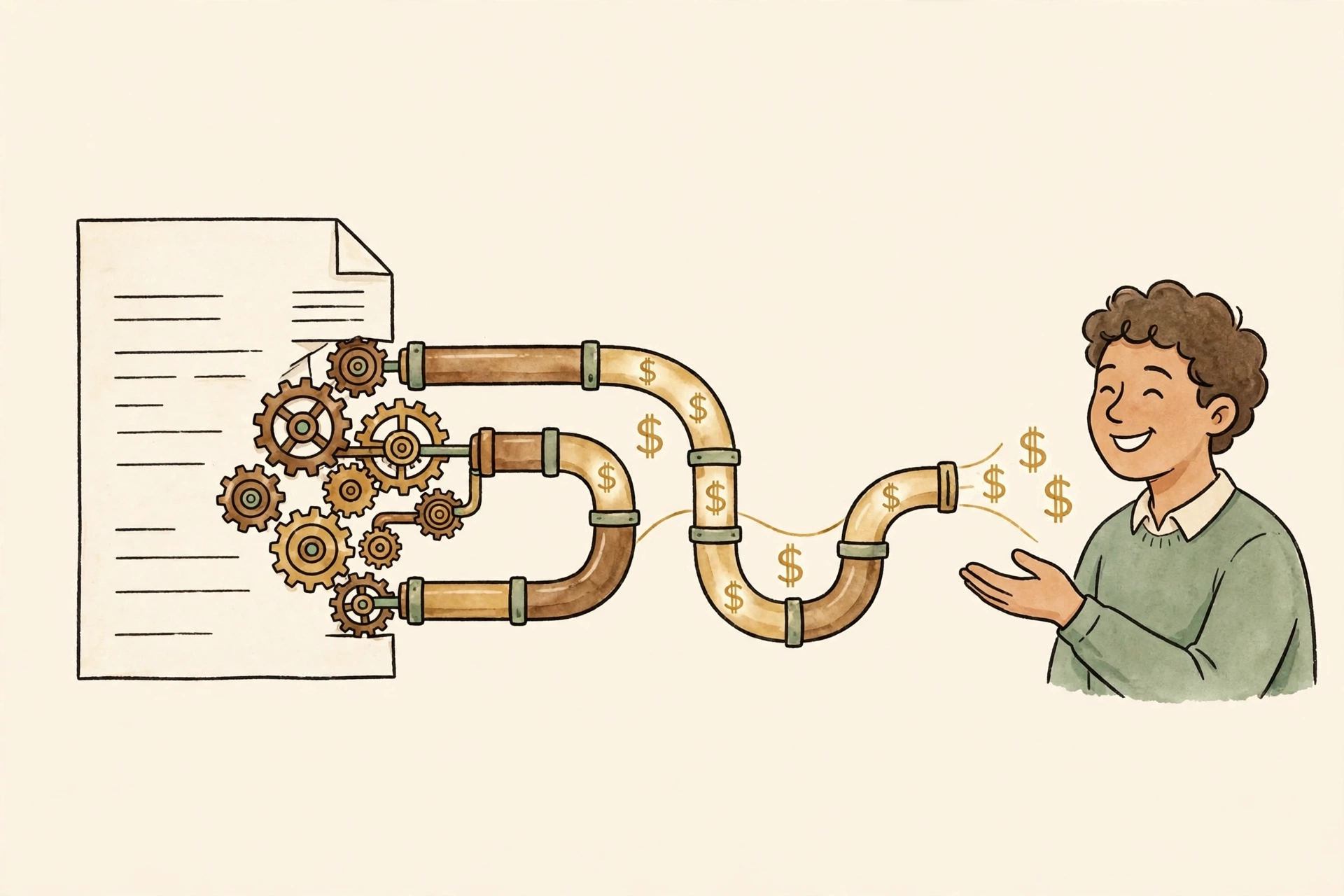
A client portal is just a branded login page where your clients see their invoices, their project status, and their documents, instead of all of that living in an email thread. That is the whole concept. Everything else is pricing and features.
The three price tags
Renting portal software runs $19 to $600 a month, depending on how many clients and how much white-labeling you want, per 0arch's 2026 cost roundup. At the low end, OneSuite's 2026 comparison puts FuseBase at $32 a month. At the higher end you are paying for automation and your own domain. For a service business with 20 to 50 active clients, plan on $50 to $150 a month for something decent.
Building one custom costs real money: a focused portal with secure login, documents, project status, messaging, and one payment integration typically lands at $18,000 to $35,000 and takes five to eight weeks, per Appex Technology's 2026 numbers. Full platforms climb past $75,000. The 0arch roundup puts the whole custom range at $20,000 to $120,000. Nobody should build a portal before they have clients asking for one.
The hidden third option
Most small businesses should start with the middle lane: off-the-shelf tools that already do 80% of this. Assembly's 2026 software guide lists Dubsado at $335 a year, bundling client portals with proposals and invoicing. A shared Notion workspace or a well-organized Google Drive with a client-facing folder costs nothing and covers a surprising amount of ground. The custom build earns its keep only when the portal starts doing things no off-the-shelf tool does: your onboarding flow, your reporting, your integrations.
This is also where the math gets friendly. A lawn-care software roundup cites the U.S. Small Business Administration for a 20 to 30% conversion lift when businesses offer online self-service instead of phone-only, per the myquoteiq roundup. One extra booked job a month pays for any portal on this list.
Who does not need one
Five clients and a standing phone call? You do not need a portal. Neither do you if your clients never log in to anything and never will. A portal nobody visits is just another subscription, and the honest version of this advice is that half the portals I have seen are exactly that: bought with enthusiasm, abandoned by month three.
The test is simple. Ask your five best clients: "If you had one login to see your invoices, your project status, and our documents, would you use it?" If three of them say yes, you have your answer. If you outgrow the off-the-shelf lane, that is when a custom build makes sense, and the MVP cost post shows what that kind of build actually runs. Either way, here is how working with a solo developer on it goes.
The part nobody prices: keeping it running
Rented portals renew every year and raise prices when they feel like it; that $32 a month becomes $49 the day the vendor updates its pricing page. Custom portals need hosting, security updates, and someone to call when a client cannot log in. Budget a few hundred a year for the rented ones and a maintenance arrangement for the custom ones. Otherwise the portal you bought to look professional greets your clients with an expired certificate.