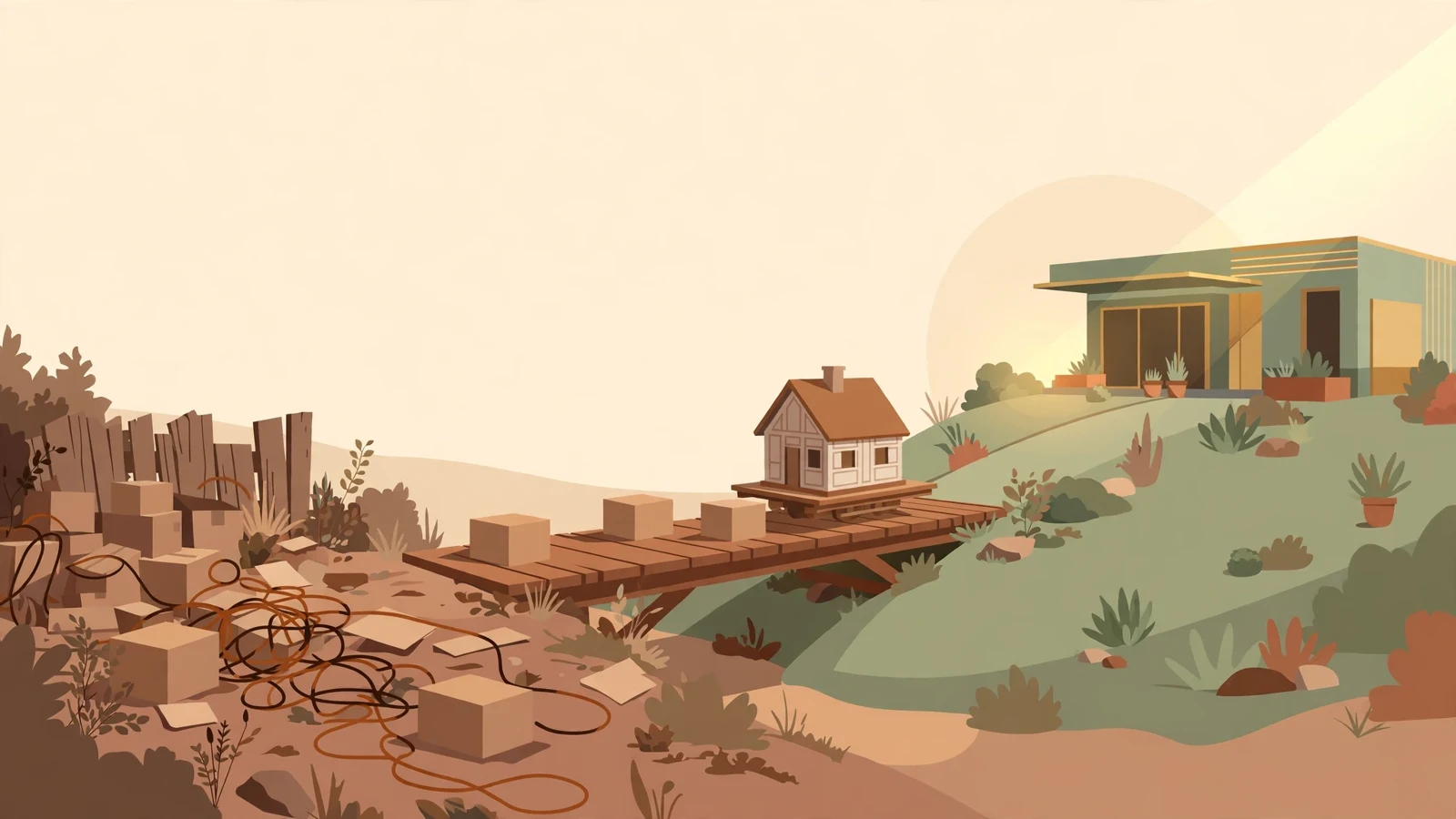
WordPress Is Free. Running WordPress Isn't.
The question usually arrives with a renewal notice in hand. WordPress was free when the site launched, so why does the site cost money every year since? Hosting wants renewing. A page builder plugin wants renewing. The host has sent a message about a security update that sounds urgent and explains nothing. The owner is not being difficult. The download really did cost nothing.
What costs money is everything the download sits on top of. A WordPress site is a program running on a server, talking to a database, extended by plugins and a theme that other companies maintain on their own schedules. That stack works well when someone tends it. Left alone, it ages in public, on the internet, where automated scanners check it every day to see if it has fallen behind.
The quiet part of the ledger
Start with the bills that arrive even in a good year. Managed WordPress hosting from WP Engine starts at $30 a month, and a lean do-it-yourself setup still carries $300 to $1,200 a year in hard costs before anyone counts an hour of human time, according to ProWebCare's line-by-line breakdown of 2026 maintenance prices. Premium plugins add their own renewals on top: a page builder, a forms tool, a backup tool, each with an annual license that lapses if nobody pays it.
Then comes the tending itself. ProWebCare puts do-it-yourself tooling at $30 to $100 a month plus two to five hours of the owner's time, and agency care plans for small business sites at $69 to $500 a month. Owners hear those numbers as a sales pitch until they price their own Saturday mornings. Two hours a month checking updates, testing the contact form after each one, and confirming the backup actually ran is a real cost whether it shows up as an invoice or as a weekend.
Why the updates cannot wait for a slow week
Patchstack, which tracks WordPress vulnerabilities for a living, counted 11,334 new ones disclosed in 2025. In its data, 91% sat in plugins and 9% in themes, while WordPress core itself accounted for six. The same research found that 46% of those flaws had no fix available on the day they went public, and that heavily exploited flaws drew mass attacks a median of five hours after disclosure. The full figures are collected on WPDeveloper's summary of Patchstack's 2025 data.
Five hours changes what maintenance means. A monthly routine of clicking update-all and hoping is a gamble that no scanner found the site in the weeks between clicks. Owners who get hurt tend to describe the same sequence: the site looked fine, and the first sign of trouble was a customer mentioning the strange pages Google was showing under their business name.
October, when the hole was underneath WordPress
On October 21, 2026, the PHP project shipped emergency releases closing two flaws that let an attacker run code on a server without logging in. Sysdig's write-up of the PHP2Shell flaws notes that both scored 9.2 out of 10, that the vulnerable session upload feature is on by default, and that the US Cybersecurity and Infrastructure Security Agency added them to its known exploited list on October 26. PHP is the language WordPress runs on, so every WordPress host had a patch to apply that week whether their customers heard about it or not.
That same week, I checked the setup behind a Montana nonprofit's website after its owner described it as a static site sitting safely behind Cloudflare. It was live WordPress on WP Engine, with the WordPress API answering requests and the host's cache doing the work. The owner was not careless. The site had simply been described to him wrong at some point, and the description stuck. His position was still decent, because a managed host owns the PHP patching on its servers. An owner on cheap shared hosting that week owned the problem personally.
The invoice nobody budgets for
A professional cleanup of a hacked small business site runs $150 to $500 as a flat fee in VMP Security's 2026 pricing survey, with agency incident work starting at $1,000 and passing $5,000 on larger stores. The invoice is the smaller part. Add the days the site shows a browser warning, the Google review request after the cleanup, and the leads that went to the next roofing company in the results while the warning was up.
When I still build on WordPress
Plenty of sites belong on it. A shop that updates its own inventory every week, a booking business whose staff already know the dashboard, a store running WooCommerce with years of order history: those owners use the features they are paying to maintain. For them the honest move is to treat upkeep as an operating cost, put a name next to it, and pay for the managed tier that patches the platform under the site as well as the site itself.
Most small service sites use none of that. A Missoula painting company with eight pages, a phone number, and a gallery of finished work needs pages that load fast and stay up. When I build a site like that, I build it as static files: no database to patch, no plugins to renew, hosting that costs close to nothing, and nothing for a scanner to find at 2 a.m. The trade is real, because the owner cannot log in and edit a page alone, and I tell them so before they choose. What they get in return is a site whose annual cost fits on one line, and whose maintenance calendar has nothing on it.
If your business runs on WordPress, open the plugins screen tonight and count what is installed, then ask who updated each one last and when. If nobody in the building can answer the second part, that count is the size of the job you are currently not paying anyone to do.