Holiday Hours: The Google Listing That Still Says You Are Open
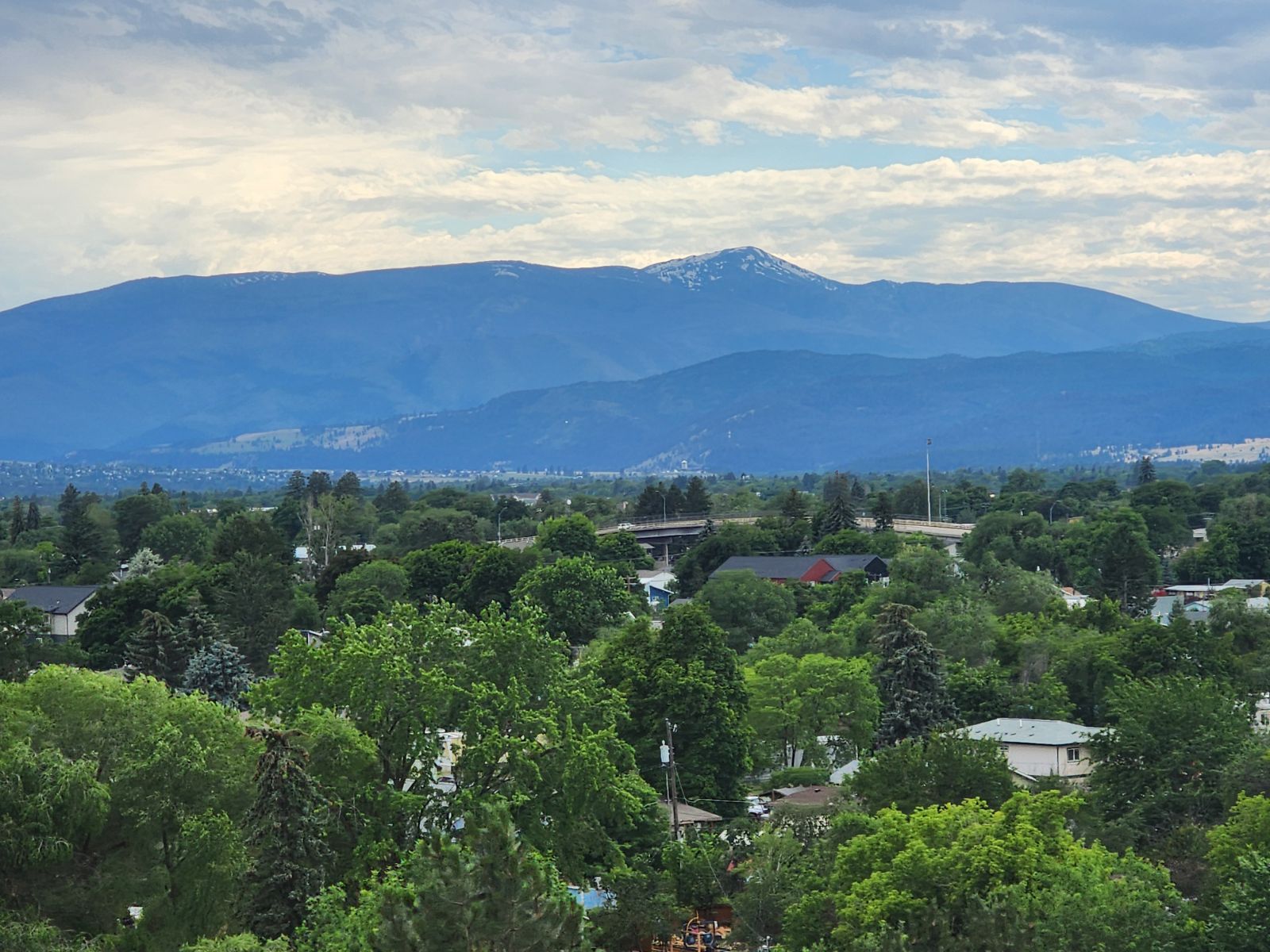
Thanksgiving morning in Missoula, a little after eight. A customer who ordered a pie pickup for nine checks her phone in the parking lot, sees your regular Thursday hours on Google, and drives across town. Your bakery is dark. You closed for the holiday, told your regulars last week, and put a sign in the window on Wednesday. Google never got the message, so Google told her you were open.
She will probably not be angry at Google. Yext surveyed more than 1,000 U.S. consumers and found 44% had visited a location in the past year that turned out to be closed because the online hours were wrong. In that same survey, 73% said they were unlikely to return to a business that was listed as open and turned out to be closed when they arrived. One wrong Thursday can cost you a customer who liked you enough to pre-order.
The warning under your hours right now
Open your own listing on your phone today and look below the hours. On holidays Google tracks, a profile with no special hours set may carry a note that your hours might differ for the holiday. Plenty of owners read that note as a small technicality. Customers read it as doubt.
Yext put a number on that doubt too: 52% of respondents said they were not confident visiting a business whose Google listing showed that holiday warning. A bakery can survive a doubtful customer on a slow Tuesday. On the morning people are collecting orders for a table of twelve, doubtful customers call the shop down the road whose hours look settled.
Set the date, leave the week alone
Google built a separate setting for exactly this, called special hours. Google's own help page says to confirm your hours for official holidays even if they are the same as your regular hours, because confirming makes it clear the hours are accurate. Open your Business Profile, choose Edit profile, then Hours, then the edit control next to Special hours. Add November 26, mark it Closed, and save. Your regular Thursday hours stay untouched underneath and come back on their own the following week.
Do the same pass for every date that differs from a normal week between now and New Year's Day:
- Thursday, November 26, Thanksgiving: closed, or the short morning hours you actually plan to staff.
- Friday, November 27: the early open, the early close, or a normal Friday, confirmed either way.
- Thursday, December 24 and Friday, December 25: most Missoula shops change at least one of these.
- Thursday, December 31 and Friday, January 1: write down what you decided before the week itself arrives.
Six dates, entered once, while you still have a quiet ten minutes to think about them.
Google holds one copy. Your customers check four.
The owner updates Google on Monday, feels done, and leaves the old holiday note sitting on the business website, a different closing time in Apple Maps, and last year's hours on Yelp. A customer who asks Siri gets the Apple answer. A visitor from out of town often lands on Yelp first. When the copies disagree, people tend to believe the worst one, or they believe none of them and choose a business whose story is consistent. BrightLocal found 62% of consumers would avoid using a business if they found incorrect information about it online. Copy the same six dates into Apple Business Connect, into Yelp for Business, onto a plain line near the top of your website, and onto the Facebook page if your hours live there. One list, written once, pasted everywhere it needs to match.
A full week off is a different setting
Special hours cover a business that adjusts its hours or stays closed for up to 6 days in a row. A shop closing from Christmas through New Year's Day crosses that line, and Google points those owners to mark the business as Temporarily closed instead. One more detail catches people: special hours only show on your profile when your regular hours are set to Open with main hours, so check that setting before you assume the dates you entered are live.
What I check on client profiles before a holiday
When I audit a Google Business Profile, the hours section is where I look first, ahead of photos and ahead of posts. Photos can be mediocre and the business still gets the call. Hours that say open when the door is locked end the relationship before it starts, and a warning note under the hours quietly sends the undecided to a competitor. The fix takes less time than writing the window sign.
After you save the dates, search your own business name on your phone on Friday, November 20, signed out of your Google account, and read the hours exactly the way a stranger in a parking lot will read them on November 26.