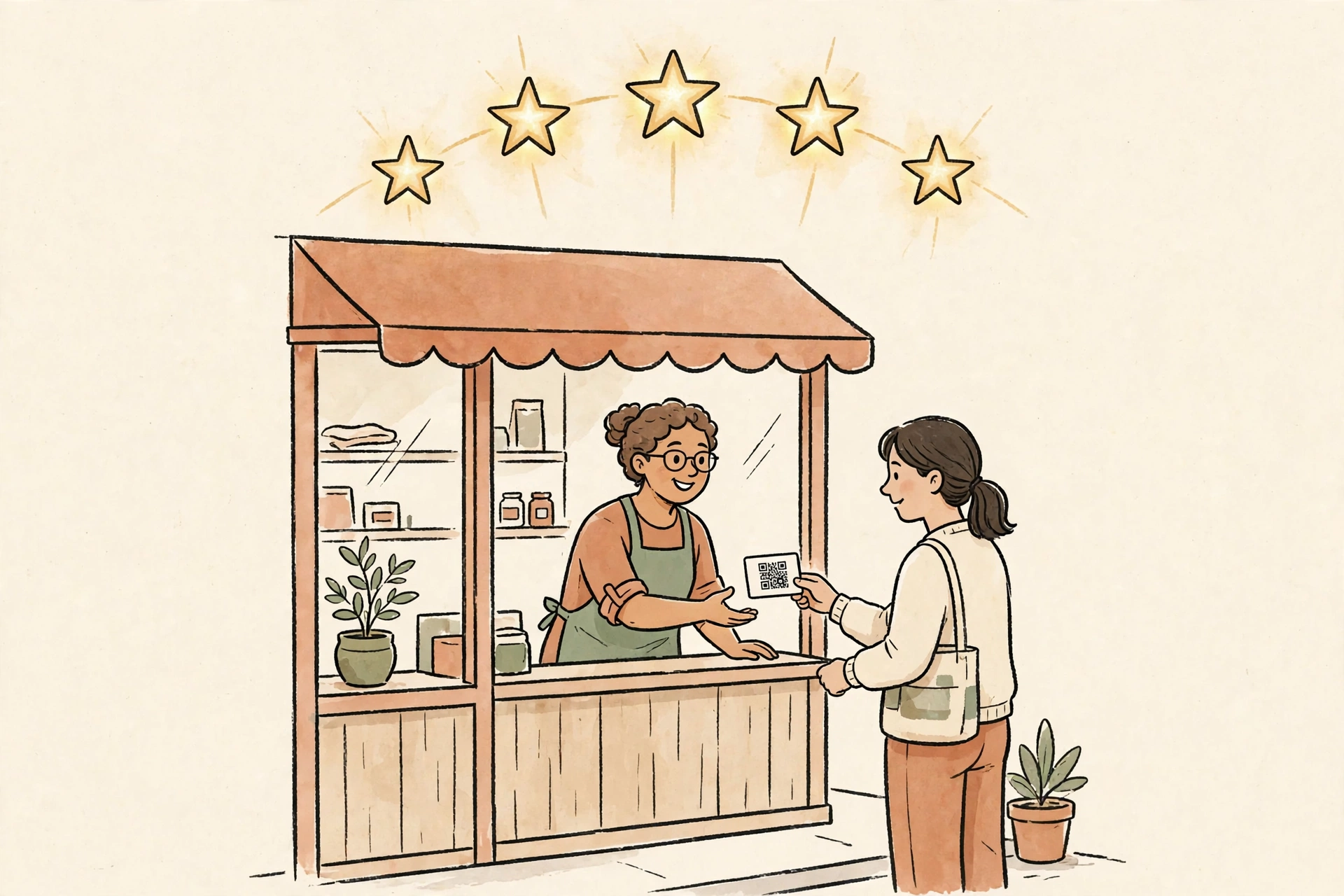
Put a QR Code on the Truck. Just Don't Point It at Your Homepage.
Say a work truck is parked at a job in a Missoula neighborhood, and a neighbor stops on the sidewalk because she has been meaning to get a quote for the same kind of work. She scans the code on the rear door. If that code opens the homepage, she lands on a page built for somebody at a desk: a menu, a welcome paragraph, and a list of every service the shop offers, with the phone number somewhere down the page. She is standing outside with one hand free and a dog on the other arm.
Vehicle QR guides call the generic homepage a common mistake for a reason. The destination has to match the moment. A person who scanned a truck already knows which company it is and what job prompted the scan. The page owes her the next step, in large tap targets, loaded fast enough that she is still standing there when it opens.
Give the code one job before you print it
Scanning itself is familiar behavior now. In a 2024 TEAM LEWIS survey of 1,000 adults in the United States, 68% said they had used a QR code in the previous year. Familiarity alone does not finish a quote request. In a randomized mailing experiment with 5,500 residential addresses, adding a code next to the printed address lifted response from 7.00% to 8.31%, and the action on that mailing was a single defined survey, with one place to go.
A truck code works the same way when the job is picked in advance:
- A neighbor watching a job in progress gets a short page for that one service, photos of similar work at the top, and a call button she can reach with a thumb
- A customer whose job wrapped up that morning gets the review ask somewhere else entirely, on the invoice or the thank-you email, where Google's own review link and QR code open the review form for that business, with no reward offered for using it
- A shop running a seasonal offer gets a page that names the offer, the dates it runs, and the phone number, and that page comes down when the season ends
Three destinations, three different moments. The words printed around the code should name the job too, because a bare square with no label asks a stranger to gamble a tap on an unknown page. 'Scan for a panel upgrade quote' tells the neighbor on the sidewalk exactly what the next ten seconds are for.
For one client of mine, the top button is a phone call
One Missoula electrician I work with took the online booking widget off his website entirely, at his own call. His contact route is phone and email, because a homeowner with a dead panel or a tripped breaker that will not reset wants a person, and a calendar widget sits in the way of that call. A QR landing page for his truck follows the same order: tap to call first, email second, a short list of the services the truck is usually parked for, and no form asking for details he would rather hear in the person's own words.
This week he told me he had not realized how many inquiries his website was already sending him, because the messages arrived in his inbox looking like ordinary email. A truck code has the same blind spot. Without a tag on the link, a scan that turns into a job looks exactly like a customer who found the number some other way, and the owner concludes the code never did anything.
Tag the link, and the truck starts reporting back
The tag is a set of labels added to the end of the web address, called UTM parameters. A code for the rear door can carry utm_source=truck-rear and utm_medium=qr, a yard sign can carry utm_source=yard-sign with the same medium, and analytics separates the two placements instead of lumping every scan into direct traffic. Pageloot's UTM guide for QR codes walks through that setup for Google Analytics, including why untagged scans file under direct and disappear.
Print is permanent and offers change, so the code itself should point at a redirect you control on your own domain. That kind of code is called dynamic: the printed square stays on the truck while the destination behind it moves from the spring offer to the fall one. When the redirect lives on your domain, the address a customer sees in the scan preview carries your business name, which matters for the check in the next section.
Size it for the driveway
Vehicle sizing follows a 10:1 rule in Pageloot's vehicle guide: roughly 1 centimeter of code for every 10 centimeters between the phone and the truck. A neighbor scanning from about 5 meters away needs a code near 50 centimeters wide, close to 20 inches, which surprises owners who expected a bumper sticker to do the job.
Then check the code the way you check the truck. The FBI warned in January 2022 that criminals tamper with QR codes by placing a sticker over the original, sending scans to a site built to collect login and payment details, and the FTC reported the same sticker move on parking meters in December 2023. A code on a parked truck is a public surface. Look at it during the weekly wash, run a finger over the edges, and scan it yourself to confirm the preview still shows your domain.
Before any vinyl goes on, print one code at full size on paper, tape it to the rear door, and scan it from the sidewalk, from across the driveway, and once more at dusk.
Sources
- QRCodeChimp, Are QR Codes Effective for Marketing: TEAM LEWIS 2024 survey (68% of 1,000 US adults used a QR code in the previous year) and the 5,500-address randomized mailing experiment (7.00% vs 8.31% response)
- Pageloot, Guidelines for Using QR Codes on Vehicles: 10:1 sizing rule, dynamic codes, and why a generic homepage is a common mistake
- Pageloot, How to Add UTM Parameters to QR Codes for Tracking in GA4
- Google Business Profile Help: Create a Google link or QR code to request reviews, including the ban on incentives for reviews
- FBI Internet Crime Complaint Center, January 18, 2022: Cybercriminals Tampering with QR Codes to Steal Victim Funds
- FTC, December 2023: Scammers hide harmful links in QR codes to steal your information